


You Can Now Text Claude Code From Your Phone
Anthropic launches Claude Code Channels, letting you message your AI coding session from Telegram or Discord — all while your code stays local.

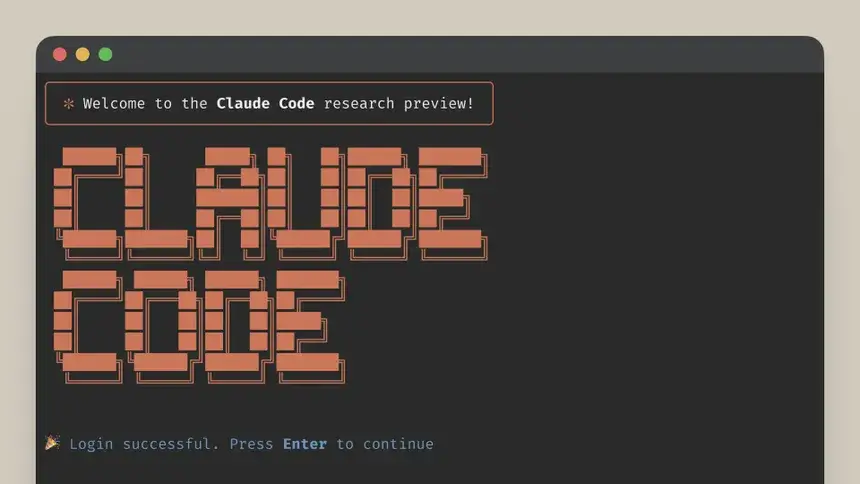
Anthropic just shipped Claude Code Channels — letting you message your coding session directly from Telegram or Discord. If you've switched from ChatGPT to Claude recently, here's what it actually means for you.
Claude Code is Anthropic's terminal-based AI coding tool — it runs on your laptop, reads your files, writes and edits code, and executes commands. Until now, interacting with it meant sitting at your computer. That changed this week.
Anthropic engineer Thariq Shihipar shipped Claude Code Channels — a feature that connects your running Claude Code session to messaging apps. You send a message from your phone, Claude responds in the chat, and any code changes happen on your machine. The launch currently supports Telegram and Discord.
posted on X by @trq212
How It Works
The setup involves connecting a Telegram or Discord bot to your Claude Code session via an MCP server — a standard protocol for giving AI tools access to external services. Once connected, messages you send to the bot are forwarded into your Claude Code session, and responses come back to your phone. It's not a cloud service — your code stays on your machine, the session just becomes reachable remotely.
On Telegram, open @BotFather and run /newbot. Takes about 60 seconds. You get a token.
Run /plugin install telegram@claude-plugins-official inside a Claude Code session, then paste your token with /telegram:configure.
Exit and restart: claude --channels plugin:telegram@claude-plugins-official
DM your bot on Telegram — it sends a 6-character code. Enter it in your session: /telegram:access pair <code>. Done.
After pairing, lock it down — run /telegram:access policy allowlist so strangers can't interact with your session. The full setup docs and Discord instructions are on GitHub.
What It's Actually Useful For
The obvious use case: you kick off a long task — a refactor, a build, a test suite — step away from your desk, and want to check in or redirect it from your phone without opening a laptop. Less obvious: sending Claude a quick task from your commute to have it ready when you sit down.
What Claude Can Do Over Chat
Reply to your messages, send files and images back to you, react to messages, and edit its own previous messages (useful for live progress updates like "running tests…" → result). It doesn't have access to your Telegram or Discord message history — it only sees messages as they arrive in the session.
The feature is built on MCP — the Model Context Protocol, an open standard for connecting AI tools to external services. That matters because it means this isn't a proprietary integration locked to Anthropic's infrastructure. The server runs locally, the protocol is open, and in principle the same approach could connect Claude Code to other messaging platforms as the ecosystem grows.
Anthropic is a closed company — their models aren't open source, and Claude Code itself isn't free for heavy use. But the underlying plumbing here (MCP) is open, and the bot integration is a thin layer on top of it. For the growing number of developers using Claude as their daily coding tool, this is a practical quality-of-life improvement more than a strategic announcement.